
Quick Start
Build your first app in 5 minutes. No signup required.
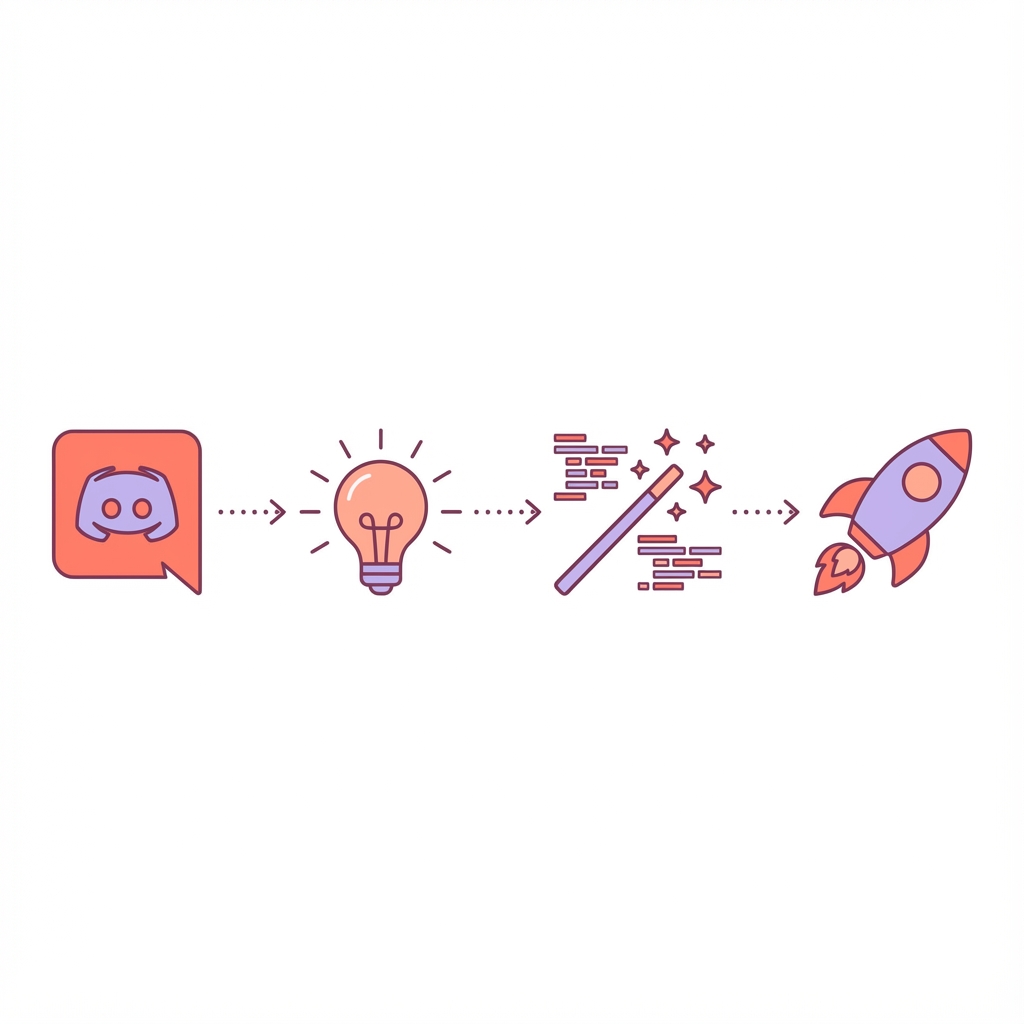
Step 1: Join Discord
Click the link below to join the SUITE Discord server:
Step 2: Go to #create-app
Find the #create-app channel in the sidebar.
Step 3: Describe Your App
Type a message describing what you want to build. Be as specific as you can.
Example prompts:
"I want an app that tracks my daily water intake and reminds me to drink"
"Make me a habit tracker with streaks and weekly stats"
"Create a simple expense tracker where I can log purchases and see monthly totals"
Step 4: Answer Questions
The bot might ask clarifying questions:
- What features do you want?
- How should it look?
- Any specific requirements?
Just answer in plain english.
Step 5: Preview & Publish
Once your app is ready, you'll get a preview link. If you're happy with it:
- Click "Publish"
- Set your pricing
- Your app is live!
What's Next?
- 📖 Your First App — Detailed walkthrough
- 💰 Pricing Your App — How to set prices
- ❓ FAQ — Common questions